IDE EXTENSIONS
Security where you code
Bring Fluid Attacks directly into your IDE to find vulnerabilities, understand risks, and remediate issues without leaving your development workflow.
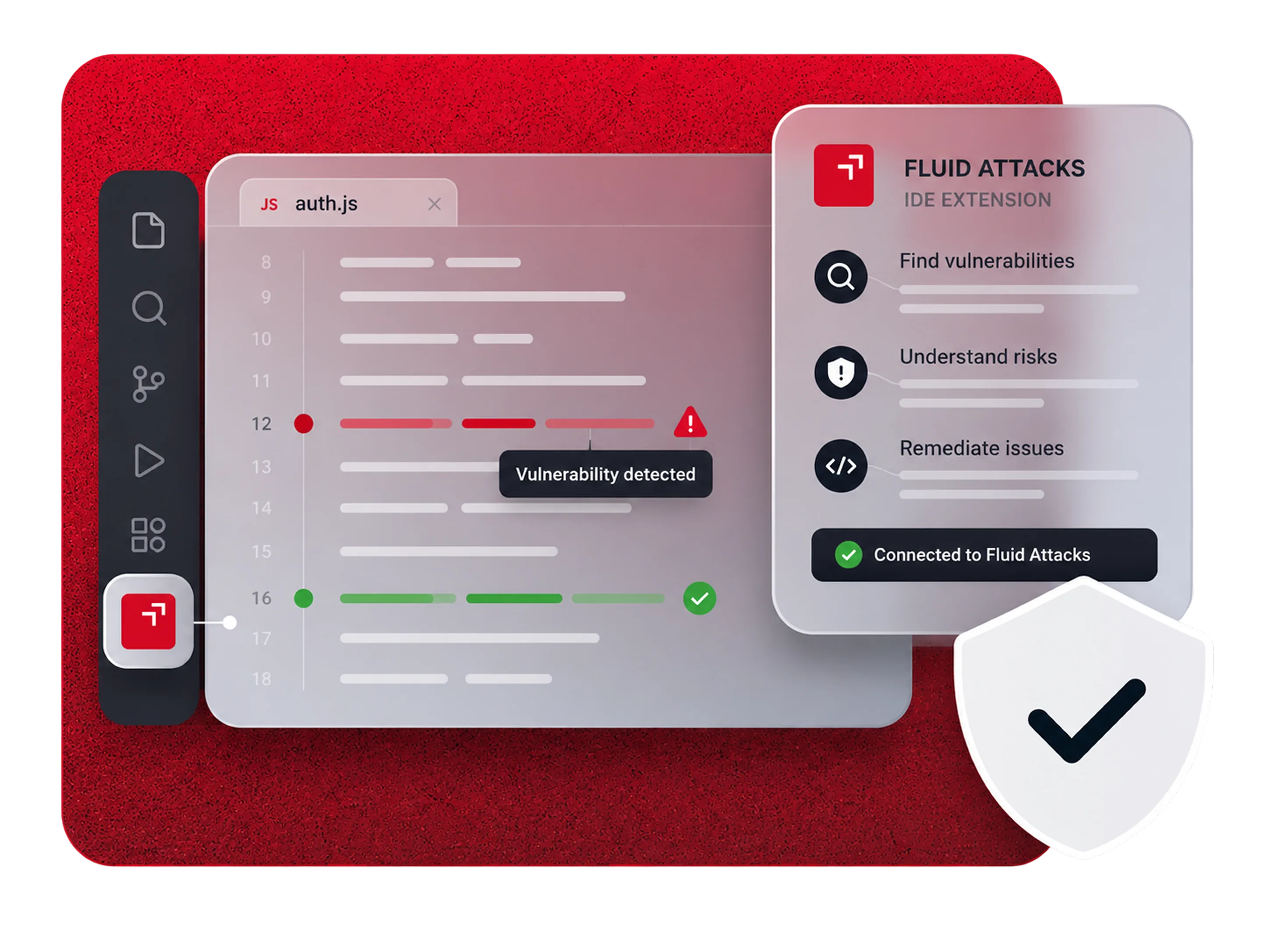
Secure your code without switching context
Access vulnerability insights, remediation tools, and security verification directly from the IDE where you build.
Find vulnerabilities
See vulnerabilities directly in the files and lines where they were detected.
[ KEY BENEFITS ]
Everything you need to secure your code
Bring vulnerability intelligence, AI-powered remediation, and verification directly into Cursor, Visual Studio Code, and IntelliJ IDEA.

See vulnerable code
Identify affected files and jump directly to the lines where vulnerabilities were detected.
Understand the vulnerability
View vulnerability descriptions, severity, attack context, remediation information, and related Fluid Attacks' documentation.
Get AI-powered fixes
Use Autofix to generate suggested code fixes or Custom Fix for step-by-step remediation guidance.
Fix vulnerable dependencies
See available update options for SCA vulnerabilities and automatically apply supported dependency fixes.
Request reattacks
Request a reattack directly from your IDE so Fluid Attacks can verify whether your fix resolved the vulnerability.
Track security status
Refresh your findings and see when vulnerabilities have been updated, treated, or have a reattack in progress.
One continuous security loop
From prevention to remediation.
SUPPORT
IDE Extensions are a core part of our solution
We offer an all-in-one solution that combines our platform, AppSec tools, AI, and our team of pentesters to help you continuously improve your cybersecurity posture.